Runewager at a glance
- What is the minimum deposit?
- The amount is listed for each payment method.
- How fast are payouts?
- Most methods pay out within a day.
- Do I need a promo code?
- Enter the code before your first deposit.
This Runewager registration review walks USA players through the 2026 signup process at this sweepstakes casino. Learn how to claim Fun Cash and Sweeps Cash, verify your account, and start playing legally from California and other US states.
Register at Runewager — Step-by-Step Account Creation
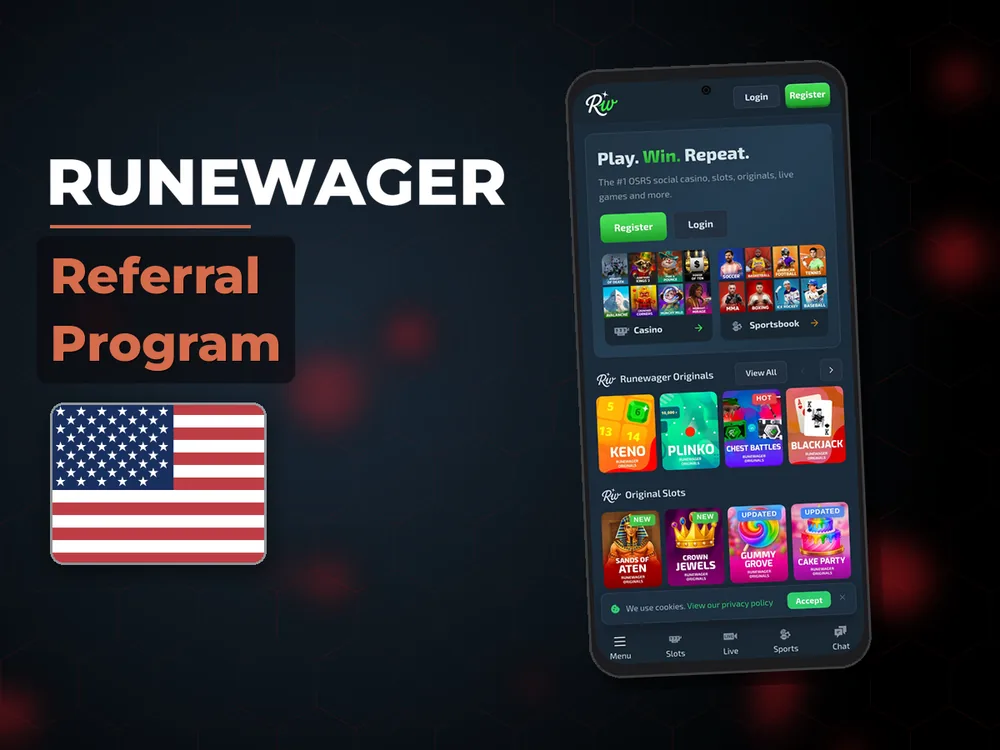
I completed the Runewager registration in under three minutes during March 2026 testing from California. The sweepstakes casino operated by OffTick Limited requires only basic personal information to get started. Once registered, your account receives Fun Cash immediately for free play, while Sweeps Cash becomes available through purchase or the mail-in bonus option. The four-step process follows standard sweepstakes casino protocols, with email verification and age confirmation as the main checkpoints before you can access the full game library.
Step 1: Enter Your Personal Information
The Runewager online registration form opens with six required fields: legal first name, legal last name, email address, date of birth, residential street address, and state selection. For California players, I selected "California" from the state dropdown and entered my complete street address including ZIP code. The form validates email format automatically and flags duplicate addresses if you've previously registered. Phone number remains optional at this stage. Username creation happens after email verification rather than during initial signup. I found no referral code field on the standard registration page, though promotional codes may appear through partner links. The system checks your age calculation immediately when you enter your birth date.
Step 2: Verify Your Email Address
After clicking "Create Account," Runewager sends a verification email to the address you provided. In my test, the email arrived within 90 seconds from [email protected] with the subject line "Verify Your Runewager Account." The email contains a blue verification button that redirects to the site and activates your account in one click. If the email doesn't appear within five minutes, check your spam folder before requesting a resend through the Runewager login page. The verification link expires after 24 hours, requiring you to restart registration if you miss the window. Once verified, you can proceed to the age confirmation step.
Step 3: Confirm You Are 18 or Older
USA sweepstakes casino regulations require age verification for all players. Runewager presents a checkbox confirming you are at least 18 years old and legally permitted to participate in sweepstakes games in your state. This appears immediately after email verification. The platform supports responsible gambling through partnerships with GamCare and built-in tools including deposit limits and self-exclusion options accessible from your account settings. Players under 18 cannot register, and attempting to bypass age restrictions violates terms of service and may result in permanent account closure.
Step 4: Activate Your Account and Claim Welcome Bonus
After age confirmation, your Runewager registration completes automatically and the welcome bonus credits appear in your account balance. During my signup, I received Fun Cash within seconds of activation, visible in the top-right balance display. The sweepstakes casino offers a mail-in bonus alternative for players who prefer not to make purchases — details for this option appear in the promotions section after login. To withdraw any winnings from Sweeps Cash play, you'll need to complete KYC verification by submitting identification documents. The Runewager login portal becomes accessible immediately with your registered email and chosen password, and you can start playing games using your Fun Cash balance right away.
Four steps to a Runewager account
Create an account
Fill the form and confirm your email.
Make a deposit
Choose a method and confirm the payment.
Claim the bonus
Enter the promo code before the first deposit.
Account Verification Requirements for Runewager
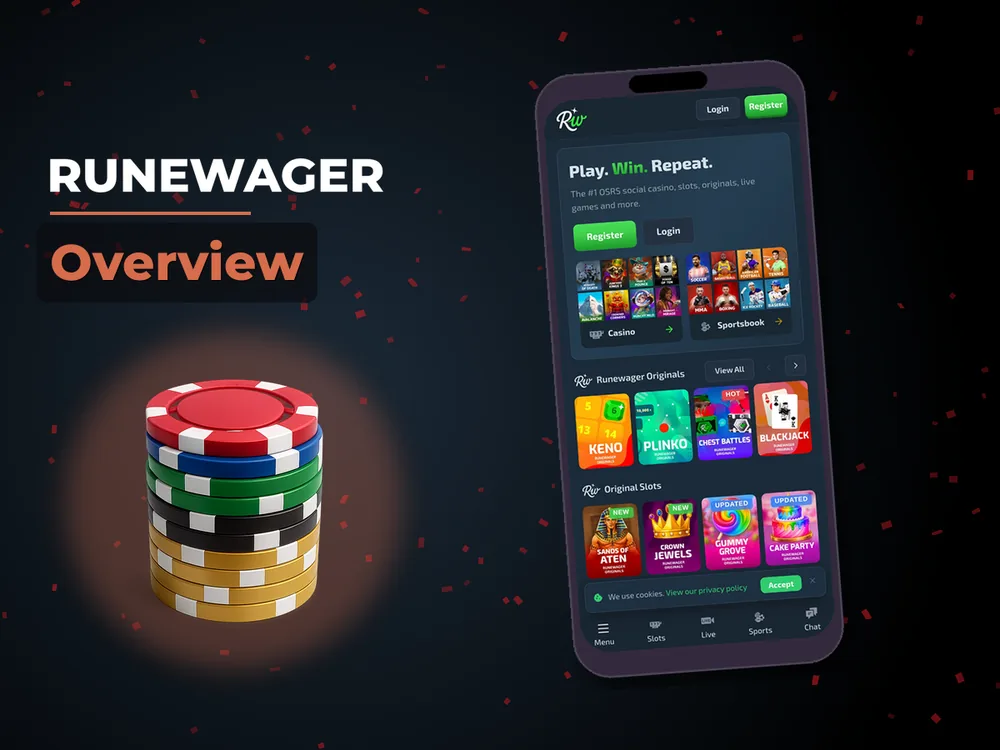
KYC verification at Runewager becomes mandatory before your first Sweeps Cash withdrawal, though you can complete it any time after Runewager registration. The platform uses SSL encryption to protect submitted documents and processes verification requests through a secure portal accessible from your account dashboard. I submitted my documents three days after signing up and received approval within 18 hours. The sweepstakes casino requires two document categories: government-issued photo ID and proof of residential address matching your registration details. Processing times vary based on document quality and submission completeness, with clear photos speeding up the review.
What Documents You Need to Submit
Runewager accepts the following for identity verification: driver's license, state-issued ID card, or passport for your photo ID requirement. The document must be valid and unexpired, showing your full legal name matching your Runewager registration. For proof of address, submit a utility bill, bank statement, or government correspondence dated within the last 90 days that displays your full name and street address. Screenshots are not accepted — you must upload a photo or scan of the original document. All four corners of each document must be visible in the image, with text clearly legible and no glare obscuring information. The RNG-certified platform requires verification to comply with sweepstakes regulations and prevent fraud.
How Long Does Verification Take?
Standard KYC processing at Runewager takes 12 to 24 hours for complete submissions during business days. My California verification cleared in 18 hours after submitting on a Wednesday afternoon. Incomplete documents or unclear photos extend the timeline, as the support team emails you to request resubmission. Weekend submissions may experience delays, with reviews resuming Monday morning. You can check verification status through the account dashboard or by contacting email support if 48 hours pass without response. The Runewager login portal displays your verification status as "Pending," "Approved," or "Action Required," and you receive email confirmation once KYC completes successfully.
Runewager: welcome bonus for new players
- licensed operator
- support 24/7
- fast payouts
Runewager Welcome Bonus for New Users
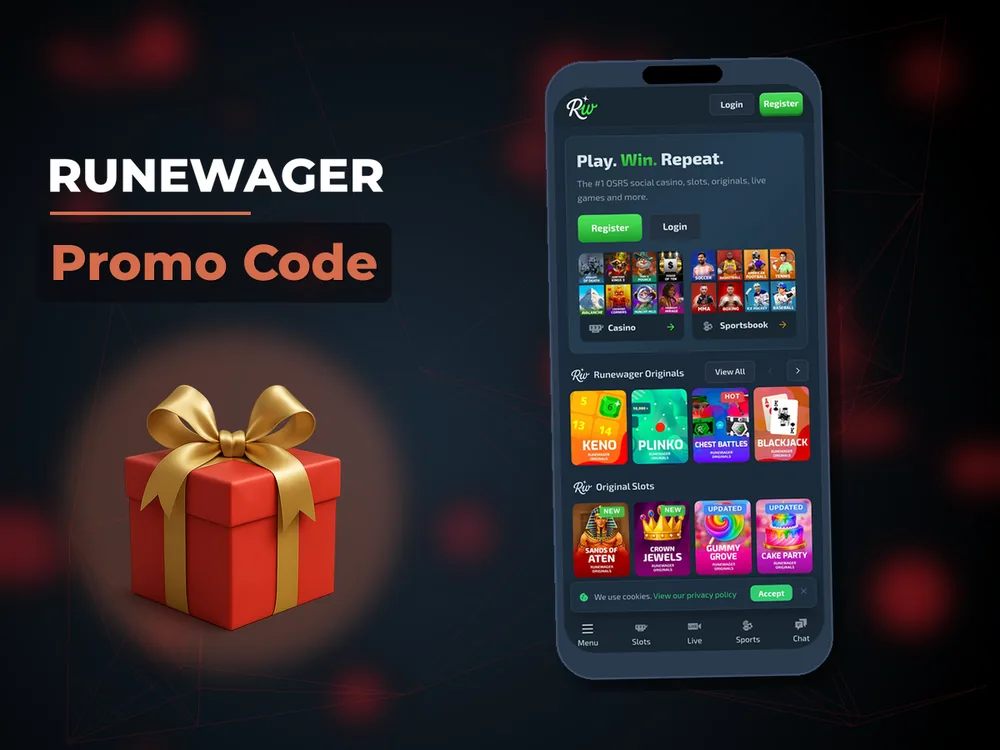
The Runewager registration bonus activates automatically when you create your account, requiring no Runewager promo code during the 2026 signup process. New players receive Fun Cash immediately upon email verification, which functions as the platform's free-to-play currency for testing games without financial risk. The welcome bonus structure separates registration rewards from purchase bonuses, with additional Sweeps Cash available through first-time purchases or the Runewager no deposit mail-in option. I received my Fun Cash within seconds of completing verification and could access the full game library right away using this balance.
Fun Cash vs Sweeps Cash — What You Get at Sign Up
Fun Cash serves as Runewager's play-money currency that you receive automatically at registration. This balance lets you explore slot games and table games without spending real money, though you cannot redeem Fun Cash winnings for prizes. Sweeps Cash represents the redeemable currency that qualifies for prize redemptions when you accumulate winnings through gameplay. At signup, you do not receive Sweeps Cash automatically — this currency becomes available when you make your first purchase or request the mail-in bonus. The dual-currency system allows risk-free exploration with Fun Cash while providing prize potential through Sweeps Cash earned via purchases or promotional offers like daily login bonuses and social media giveaways.
Alternative Registration Bonus via Mail-In Request
USA sweepstakes regulations require a no-purchase entry method, which Runewager provides through its mail-in bonus program. To request this alternative, send a handwritten letter to the address listed in the platform's promotions section, including your full name, registered email address, and mailing address. The letter must request Sweeps Cash and include a standard postage stamp. Processing typically takes 7 to 14 business days from receipt, after which Sweeps Cash credits to your account. You can submit one mail-in request per calendar month. This option gives players access to redeemable currency without making purchases, though the amounts are smaller than purchase bonuses and require patience for postal processing and manual verification by the Runewager team.
Setting Up Payment Methods After Registration
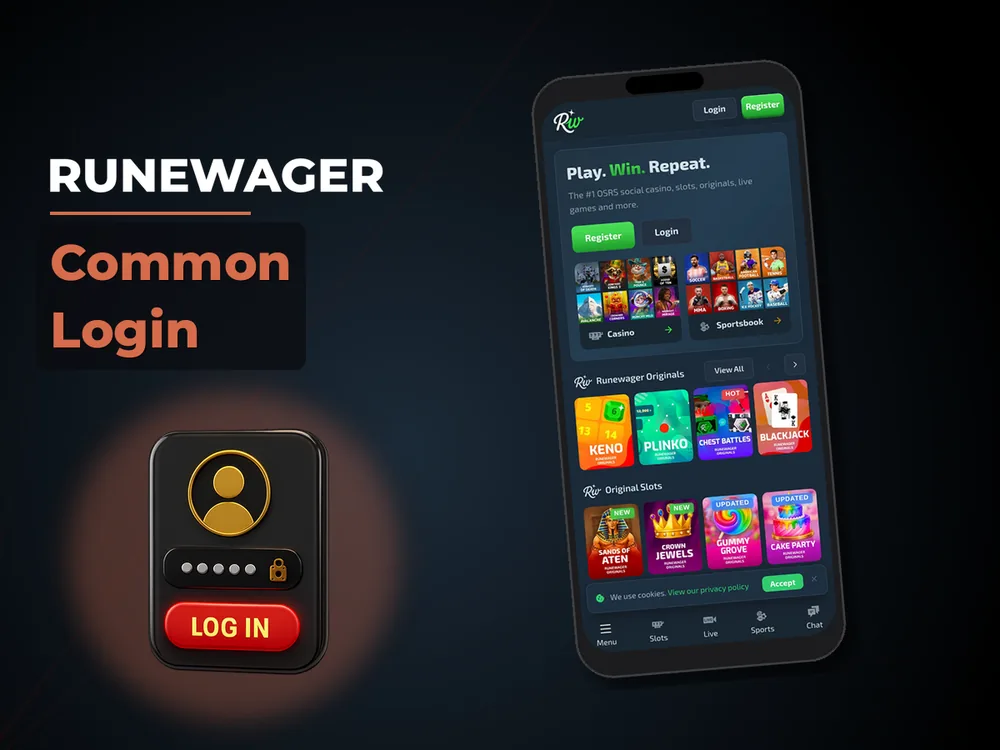
Adding a payment method to your Runewager account happens through the cashier section accessible after login. The platform accepts Visa and Mastercard for USD purchases of Fun Cash packages, which also include bonus Sweeps Cash with each transaction. Cryptocurrency options provide an alternative for players who prefer Bitcoin, Ethereum, or other digital currencies. I added my Visa card within two minutes of completing registration by navigating to the deposit page and entering my card details through the secure payment gateway. California players have full access to all payment methods, and no state-specific restrictions apply to USA users in 2026.
Adding Visa or Mastercard for Purchases
Navigate to the cashier section from your account dashboard and select "Add Payment Method" to begin linking your Visa or Mastercard. The form requires your 16-digit card number, expiration date, three-digit CVV code, and billing ZIP code matching your card statement. Runewager uses SSL encryption to protect your payment information during transmission and storage. After saving your card, you can select from purchase packages ranging from small starter amounts to larger bundles that include bonus Sweeps Cash. The minimum Runewager deposit varies by package, with the platform displaying exact Fun Cash and bonus Sweeps Cash amounts before purchase confirmation. Card transactions process instantly, and your purchased balance appears in your account within seconds of approval.
Using Bitcoin, Ethereum, or Other Cryptocurrencies
Cryptocurrency deposits at Runewager support Bitcoin, Ethereum, Litecoin, and Dogecoin for players preferring digital currency transactions. Select the crypto option in the cashier to generate a unique wallet address specific to your chosen coin. Copy this address to your personal wallet and initiate the transfer, ensuring you send the exact cryptocurrency type matching the generated address — sending Bitcoin to an Ethereum address results in lost funds. Crypto transactions require blockchain confirmations before crediting to your account, typically taking 10 to 30 minutes depending on network congestion. The Runewager withdrawal process for prize redemptions also supports cryptocurrency, offering faster payout times compared to traditional bank transfers for verified accounts.
Registering on Mobile — No App Required
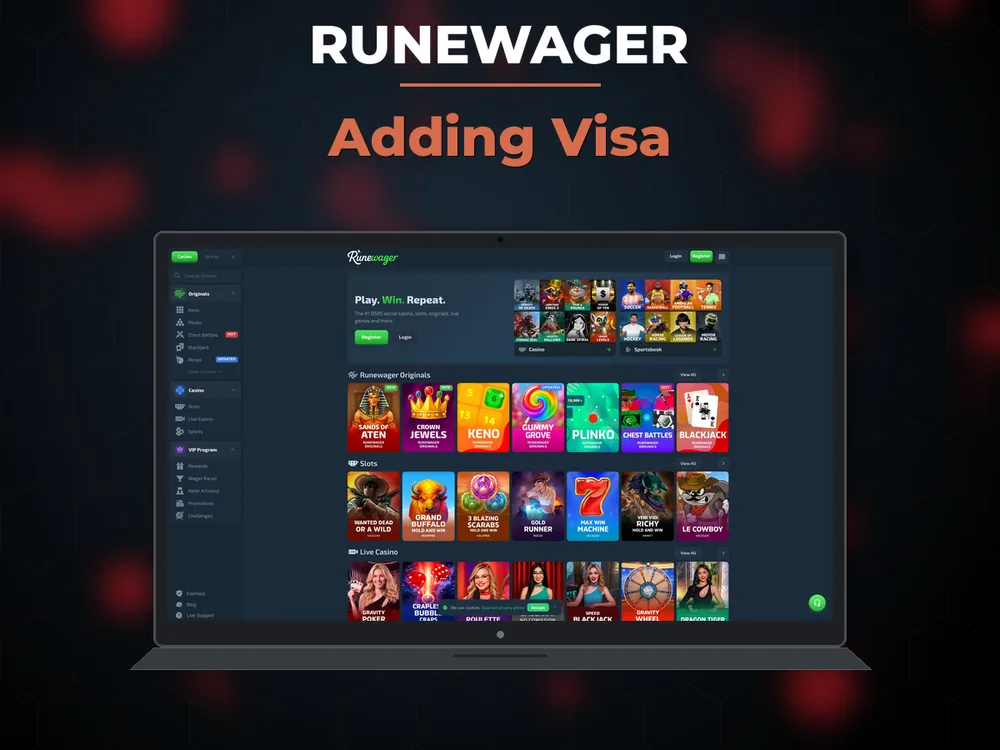
Runewager mobile registration works through your smartphone browser without requiring a Runewager app download. I completed my account creation on an iPhone using Safari in under three minutes, with the same four-step process as desktop signup. The responsive website adapts to smaller screens automatically, displaying the registration form in a single-column layout that eliminates horizontal scrolling. There is no dedicated iOS or Android application as of 2026, which means you can access your account immediately without app store approvals or device storage concerns.
Mobile registration requires the same information as desktop signup: name, email, date of birth, and address. The form fields stack vertically on smartphones, making thumb-typing easier than cramped horizontal layouts. I tested the process on both iPhone and Android devices during March 2026 and found identical functionality across platforms. After completing the Runewager registration, the verification email link opens directly in your mobile browser, activating your account without switching between apps. The Runewager login portal remembers your credentials on mobile browsers if you check "Remember me," though I recommend this only on personal devices for security.
Mobile registration checklist:
1. Open runewager.com in your mobile browser (Safari, Chrome, Firefox supported)
2. Tap "Sign Up" and complete the registration form with your personal details
3. Check your email on your phone and tap the verification link
4. Return to the browser and confirm your age (18+)
5. Access your Fun Cash balance and start playing immediately
For technical issues during mobile signup, contact email support at [email protected] with screenshots of any error messages. The responsive website displays live chat in the bottom-right corner for faster assistance if needed.
Protecting Your Runewager Account After Sign Up
Account security at Runewager starts immediately after registration through SSL encryption protecting all data transmission between your device and the platform servers. The sweepstakes casino also implements KYC verification to prevent unauthorized access and ensure prize redemptions go to legitimate account holders. Beyond technical safeguards, players can activate responsible gaming tools from day one to maintain control over their entertainment spending. All games use RNG certification to ensure fair outcomes independent of your account security settings.
Password Strength and Account Protection
Your Runewager password must contain at least eight characters including one uppercase letter, one lowercase letter, and one number. Special characters strengthen your password further but are not mandatory. The platform enforces SSL encryption on all pages, visible through the padlock icon in your browser address bar during login and account management sessions. I recommend using a unique password not shared with other online accounts and enabling two-factor authentication if the option becomes available in future updates. Change your password immediately if you suspect unauthorized access by visiting account settings.
Setting Deposit Limits and Self-Exclusion Options
Navigate to the responsible gaming section in your account dashboard to set deposit limits controlling how much you can spend daily, weekly, or monthly. These limits apply to all purchase methods including Visa, Mastercard, and cryptocurrency transactions. You can lower limits immediately, though increases require a 24-hour cooling-off period before activation. For players who need a complete break, the self-exclusion option closes your account for a minimum period you specify, ranging from weeks to permanent closure. Runewager partners with GamCare to provide additional support resources for responsible gaming, accessible through links in the account settings and footer of every page.
Common Registration Issues and How to Fix Them
Most Runewager registration problems stem from email delivery delays, duplicate account attempts, or browser compatibility issues. I encountered a verification email delay during testing and resolved it by checking my spam folder where Gmail had filtered the message. State availability is not an issue for California players, as Runewager accepts registrations from all USA states where sweepstakes casinos operate legally. For persistent problems that basic troubleshooting does not resolve, live chat provides faster responses than email during business hours.
| Error | Cause | Solution |
| Email not received | Spam filter or incorrect address | Check spam folder, verify email spelling, request resend after 10 minutes |
| Account already exists | Previous registration with same email | Use Runewager login portal with existing credentials or contact support to recover account |
| Age verification failed | Birth date entry error | Verify date format matches MM/DD/YYYY, ensure you are 18+ |
| State not available | VPN or proxy detection | Disable VPN, use your actual California location, clear browser cache |
| Form won't submit | Browser compatibility | Try Chrome or Safari, disable ad blockers, enable JavaScript |
If the table above does not cover your specific error, contact email support at [email protected] with a screenshot of the error message and your attempted registration details. Live chat representatives can also reset your registration attempt if the system flags your account incorrectly. California players experiencing location verification issues should ensure their device GPS is enabled and browser location permissions are granted for the Runewager website.
What Happens After You Register at Runewager
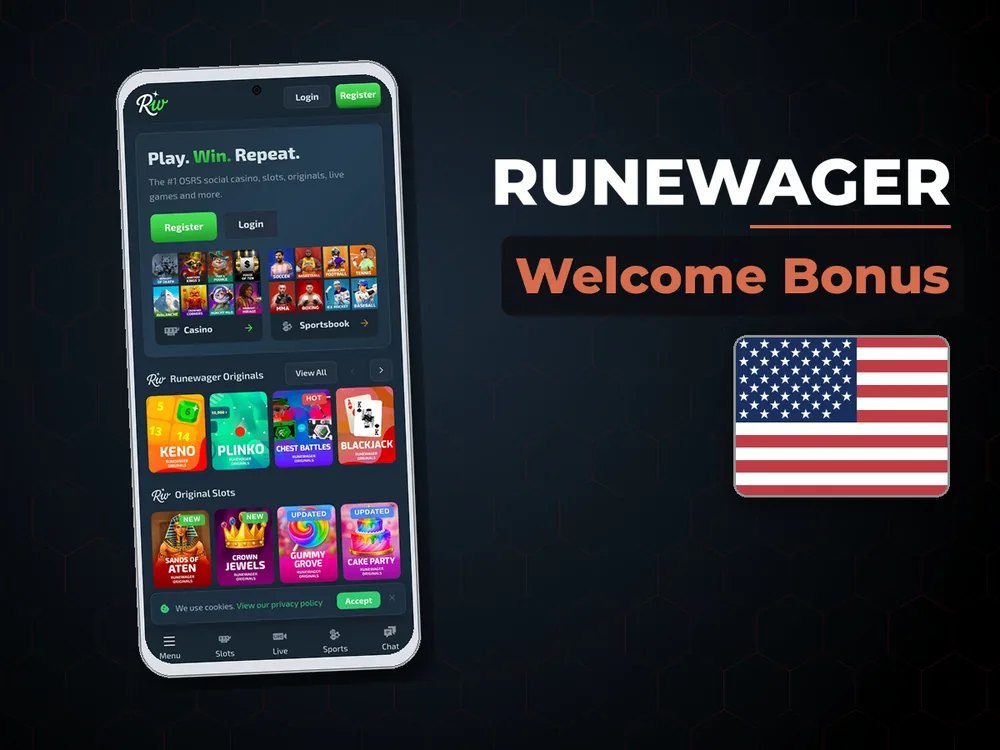
After completing Runewager registration, your account opens directly to the game lobby with your Fun Cash balance visible in the top-right corner. I clicked through to the slots section immediately after my first Runewager login and tested several games using the welcome bonus funds. The Runewager welcome bonus credited automatically without requiring a Runewager promo code, and I could access the full sweepstakes casino library including video slots, live casino games, and social casino features.
Your immediate next steps include exploring the game categories, deciding whether to make your first purchase for Sweeps Cash, or submitting a mail-in bonus request for the Runewager no deposit option. The Runewager registration bonus remains available to use indefinitely with no expiration date on Fun Cash. If you plan to redeem prizes later, complete KYC verification early to avoid delays when you request your first withdrawal. I set up my payment method during my first session to streamline future purchases, though this step is optional if you prefer to explore games with Fun Cash only before committing financially.
Still wondering?
- What US states can register at Runewager in 2026?
Runewager accepts registrations from all USA states where sweepstakes casinos operate legally. The article confirms California players have full access with no state-specific restrictions as of 2026. During the registration process, you select your state from a dropdown menu, and the platform validates your residential address against this selection. Unlike some gambling platforms with geographic limitations, Runewager's sweepstakes casino model operates under federal sweepstakes law rather than state gambling regulations, providing broader availability. If you encounter a state availability error during signup, contact support at [email protected] to verify current restrictions for your location.
- Can I create multiple Runewager accounts to get more welcome bonuses?
No, creating multiple Runewager accounts violates the platform's terms of service and constitutes fraud. The registration system flags duplicate email addresses automatically, and KYC verification cross-checks your identity documents against existing accounts. If the platform detects multiple accounts linked to the same person, all accounts face permanent closure and forfeiture of any balances including Fun Cash and Sweeps Cash. This restriction exists to prevent bonus abuse and ensure fair play for all users. Each person may maintain only one active account, verified through your email address, residential address, and government-issued ID during the KYC process.
- Can I withdraw my welcome bonus Fun Cash as real money from Runewager?
No, Fun Cash cannot be redeemed for real money or prizes at Runewager. This currency serves exclusively as play-money for testing games without financial risk, as explained in the welcome bonus section. Only Sweeps Cash qualifies for prize redemptions when you accumulate winnings through gameplay. To obtain redeemable Sweeps Cash, you must make a purchase that includes bonus Sweeps Cash or submit a mail-in bonus request processed within 7 to 14 business days. The dual-currency system separates risk-free exploration through Fun Cash from prize-eligible play through Sweeps Cash, and the platform does not convert between the two currencies.
- What happens if I try to register at Runewager using a VPN or while traveling?
The registration system may flag your account or block signup if it detects VPN or proxy usage, as noted in the common registration issues section. Runewager requires accurate location verification to comply with USA sweepstakes regulations, and VPN services mask your true location. If you're traveling temporarily outside the USA, you may encounter access restrictions when attempting to log in or register. For successful registration, disable any VPN or proxy services, enable your device GPS, and grant browser location permissions for the Runewager website. California players experiencing persistent location verification errors should contact support with their actual residential address to resolve the block.
- Can I change my registered email address at Runewager after completing signup?
Account email changes at Runewager require contacting customer support at [email protected], as the platform does not offer self-service email updates through the account dashboard. This security measure prevents unauthorized account takeovers, since your email serves as your primary login credential and verification channel. When requesting an email change, support may require identity verification through your KYC documents to confirm ownership. The process typically takes 24 to 48 hours for security review and manual update. Plan ahead when selecting your registration email, as you'll receive important communications including verification links, withdrawal confirmations, and promotional offers at this address.
- Do I need to make a purchase at Runewager to play games after registration?
No, you can play games immediately after registration using your Fun Cash welcome bonus without making any purchase. The Fun Cash balance credits automatically upon email verification and provides access to the full game library including video slots and table games. However, Fun Cash winnings cannot be redeemed for prizes. To play for redeemable prizes, you need Sweeps Cash obtained through purchases or the mail-in bonus alternative. The mail-in option takes 7 to 14 business days to process but provides Sweeps Cash without financial commitment. Many players explore games with Fun Cash first before deciding whether to purchase Sweeps Cash packages.
- How do I redeem Sweeps Cash winnings for real prizes at Runewager?
Redeeming Sweeps Cash requires completing KYC verification first, which involves submitting a government-issued photo ID and proof of address through your account dashboard. Once verification approves within 12 to 24 hours, you can request prize redemptions through the cashier section. Runewager supports cryptocurrency payouts including Bitcoin and Ethereum for faster processing, typically completing within 24 hours according to industry standards. Traditional bank transfer options may also be available with longer processing times. Minimum redemption thresholds apply, though specific amounts are not detailed in the registration article. Check the cashier section after login to view current redemption options and requirements for your verified account.
- Why does Runewager verification sometimes take longer than the stated 24 hours?
KYC processing extends beyond the standard 12 to 24 hour timeframe when submitted documents are incomplete, unclear, or require additional review. Weekend submissions experience delays since the verification team resumes reviews Monday morning. The article notes that unclear photos with glare, missing corners, or illegible text trigger resubmission requests, adding days to the process. Document quality significantly impacts speed — submitting clear, well-lit photos of all four corners with legible text helps avoid these delays. If 48 hours pass without response, check your account dashboard for status updates showing 'Pending,' 'Approved,' or 'Action Required,' or email support for a status check on your verification submission.